




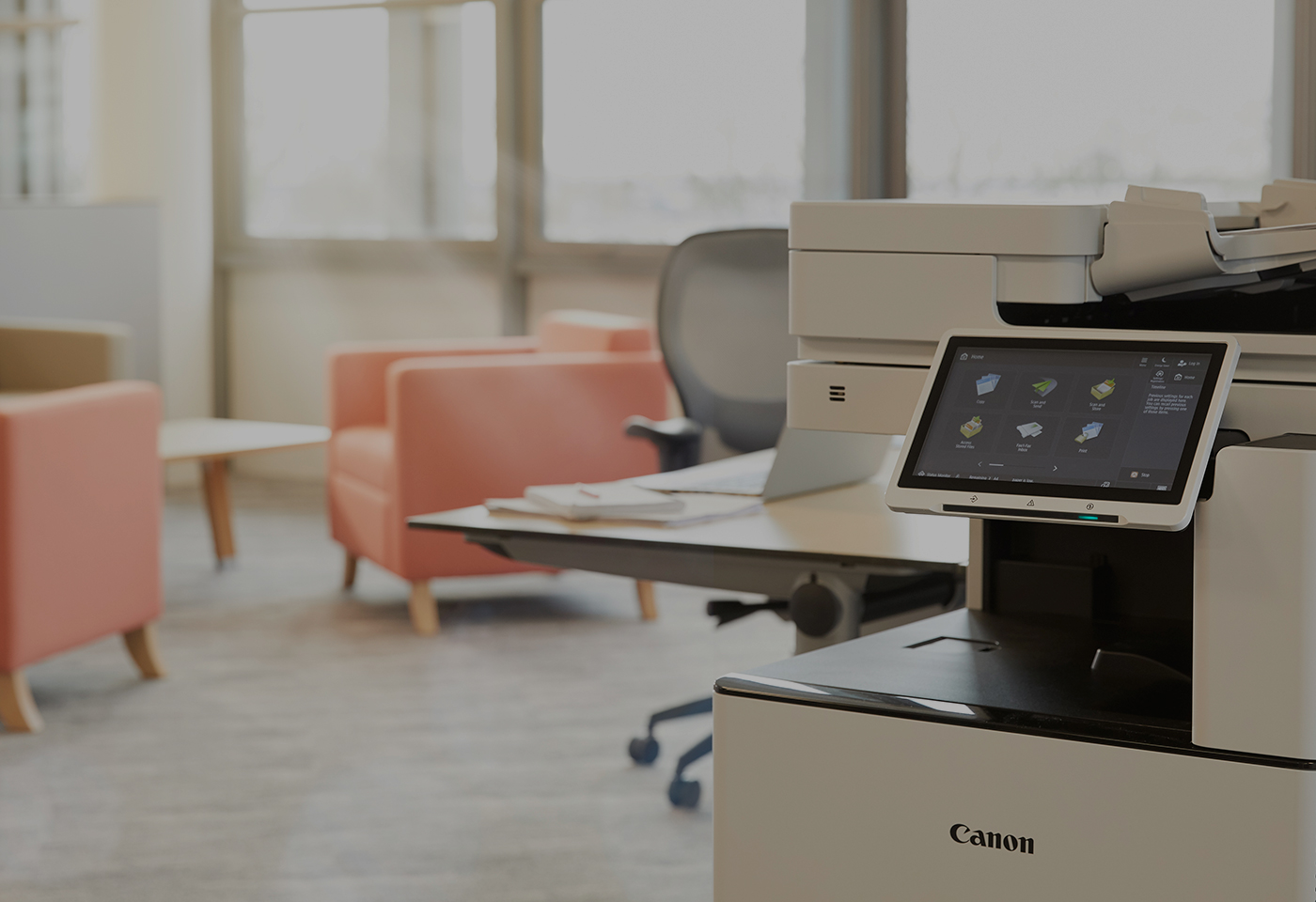
Businesses are investing heavily in cloud technology, cybersecurity, artificial intelligence, and digital transformation. Yet one critical piece of office technology is often overlooked—the multifunction printer (MFP).
Today's multifunction devices are no longer simply printers. They have evolved into intelligent document hubs that connect employees, automate workflows, strengthen security, and support hybrid working environments.
For organisations across Melbourne and Victoria, choosing the right multifunction printer can significantly improve productivity while reducing operational costs. Canon's latest imageRUNNER ADVANCE DX range demonstrates how modern office technology is helping businesses work smarter.
What Is a Multifunction Printer?
A multifunction printer combines several business functions into a single device, including:
- Printing
- Copying
- Scanning
- Faxing
- Cloud document workflows
Rather than managing multiple standalone devices, businesses can centralise document management through a single secure platform. Modern multifunction devices are designed to integrate directly with Microsoft 365, SharePoint, OneDrive and other cloud services, creating a seamless document workflow.
Why Businesses Are Replacing Older Printers
Many organisations are still operating printer fleets that were installed five to seven years ago.
While these devices may still function, they often lack:
- Modern security protections
- Cloud connectivity
- Advanced scanning capabilities
- Mobile printing
- User authentication
- Usage reporting
New generation devices such as the Canon imageRUNNER ADVANCE DX Series provide enhanced performance, advanced security, and cloud integration capabilities that align with today's business requirements.
1. Improve Document Security
One of the biggest concerns facing Australian businesses is data security.
Printers are often connected directly to corporate networks, making them a potential security vulnerability if not properly managed.
Modern Canon multifunction devices include features such as:
- Secure boot protection
- Malware and runtime protection
- Encrypted storage
- User authentication
- Secure print release
- Security information and event management (SIEM) integration
These capabilities help organisations protect sensitive information and support compliance requirements.
Why This Matters
Industries such as healthcare, legal, education, finance, and government regularly process confidential information. Ensuring documents are protected throughout their lifecycle is no longer optional.
2. Accelerate Digital Transformation
Many businesses still rely on paper-based processes that create delays and inefficiencies.
Modern multifunction printers can:
- Scan directly to Microsoft OneDrive
- Scan to SharePoint
- Scan to email
- Convert documents into searchable formats
- Automate document routing
High-speed scanning capabilities of up to 270 images per minute allow organisations to digitise large volumes of information quickly and accurately.
3. Support Hybrid Work Environments
The workplace has changed dramatically.
Employees now work across offices, homes, and remote locations. This requires technology that enables secure access to documents regardless of location.
Cloud-connected multifunction devices allow users to:
- Print from mobile devices
- Access cloud storage
- Release print jobs securely
- Collaborate across multiple locations
These capabilities help create a consistent user experience while maintaining security standards.
4. Increase Office Productivity
Every minute spent dealing with printer issues is time taken away from productive work.
Modern devices improve productivity through:
Faster Scanning
Advanced document feeders enable rapid digitisation of business records and client documentation.
Intuitive User Interfaces
Large touchscreen displays simplify operation and reduce training requirements.
Workflow Automation
Automated document capture and routing minimise manual handling and repetitive tasks.
Remote Monitoring
Managed Print Services can proactively identify issues before they impact users.
5. Reduce Printing Costs
Many businesses underestimate their total printing costs.
A modern print environment can reduce expenses through:
- Efficient toner usage
- Automated duplex printing
- Reduced paper consumption
- Device consolidation
- Usage monitoring and reporting
- Energy-efficient operation
When combined with Managed Print Services, organisations gain visibility into print behaviour and opportunities for ongoing optimisation.
How to Choose the Right Multifunction Printer
When evaluating office printers, consider:
Print Volume
How many pages does your organisation produce each month?
Colour vs Monochrome
Do users require colour output for customer-facing documents?
Security Requirements
Does your organisation handle confidential information?
Cloud Integration
Do you use Microsoft 365, SharePoint, or OneDrive?
Growth Plans
Will your print requirements increase over the next three to five years?
Choosing a device based solely on purchase price often leads to higher operating costs over its lifecycle.
Why Melbourne Businesses Partner with DDS Group
At DDS Group, we help organisations optimise their print environments through:
- Canon multifunction printers
- Managed Print Services
- Document workflow automation
- Secure printing solutions
- Cloud print integration
- Ongoing support and maintenance
As one of Australia's leading Canon partners, DDS Group works with businesses, schools, healthcare providers, legal firms, and government organisations throughout Victoria to improve productivity while reducing costs.
The Future of Office Printing
The multifunction printer has become far more than a device that prints paper.
It is now a secure, cloud-connected business platform that supports digital transformation, enhances productivity, and protects sensitive information.
For organisations looking to improve efficiency, strengthen security, and modernise document workflows, investing in the right multifunction printer strategy is an important step toward a smarter workplace.


