




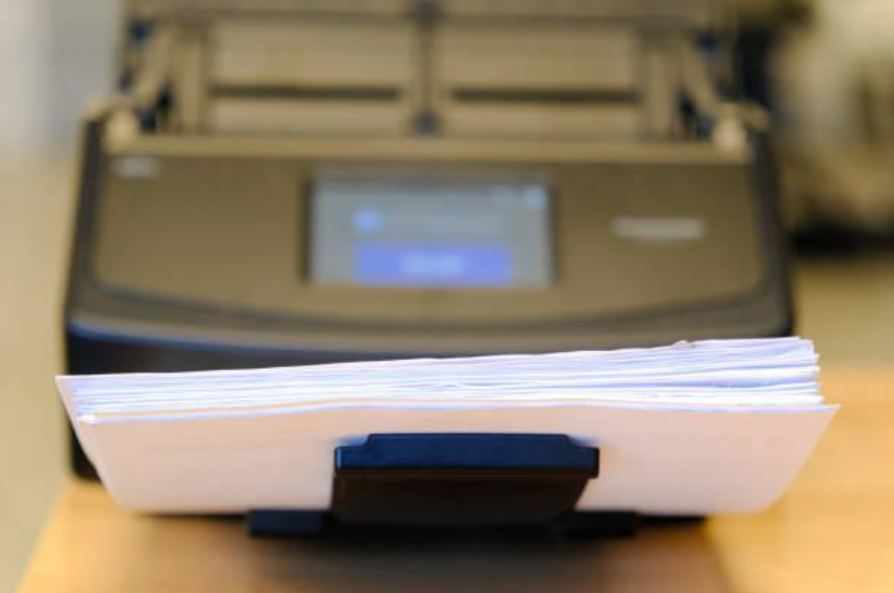
A document scanner is an office device that converts the information on paper documents into digital files — such as PDFs or images — for easy storage, editing, and sharing. In simple terms, scanners achieve this by projecting light onto the hard copy document, image, or object; the reflected light is then directed through mirrors and lenses onto photosensitive technology, which processes it into electronic data to create a digital copy of the original. Designed for seamless integration into workflows, document scanners enhance productivity and support digitisation efforts.
The Canon document scanner range includes compact models for small offices and high-capacity scanners for enterprises and government organisations, ensuring solutions for businesses of all sizes. You can scroll down to learn more, or browse Canon scanners here.
Why Choose a Canon Document Scanner?
Canon’s advanced printhead technology and high-precision ink systems produce crisp, vibrant prints and highly detailed scans. Whether you're printing professional documents or high-resolution images, Canon ensures consistent, top-tier results. Their scanners also enhance text clarity and color accuracy, making them ideal for both business and creative projects. Here’s what sets the Canon scanner apart from the rest:
- High Scan Quality: Canon’s advanced printhead technology and high-precision ink systems produce crisp, vibrant prints and highly detailed scans. Whether you're printing professional documents or high-resolution images, Canon ensures consistent, top-tier results. Their scanners also enhance text clarity and color accuracy, making them ideal for both business and creative projects.
- Versatile Options: Canon offers a wide range of printer scanners, from compact all-in-one models for home offices to large-format, high-performance options for businesses. Whether you need everyday printing or specialized professional output, Canon provides a solution tailored to your workflow. Many models also support wireless and cloud connectivity for added convenience.
- User-Friendly Design: Designed with intuitive interfaces, touchscreen controls, and seamless connectivity, Canon printer scanners are easy to use for beginners and experienced users alike. Features like automatic document feeders and one-touch scanning simplify tasks, boosting efficiency in both home and office environments.
- Eco-Friendly Solutions: Canon prioritizes sustainability with energy-efficient technology, automatic duplex printing, and refillable ink systems that minimize waste. These features not only help reduce environmental impact but also lower long-term printing costs, making Canon a smart investment for businesses and individuals alike.
- Wireless Connectivity: Canon printer scanners offer seamless wireless functionality, allowing users to print and scan from multiple devices without the need for cables. With built-in Wi-Fi, Bluetooth, and cloud integration, you can easily send documents from smartphones, tablets, or computers.
- High Speed Performance: Designed for efficiency, Canon printer scanners deliver fast print and scan speeds without compromising quality. Whether handling high-volume business tasks or quick one-off prints, Canon models ensure smooth, uninterrupted performance. Features like automatic document feeders (ADF) and duplex scanning further streamline workflows, saving time and boosting productivity.
- Compact Design: Canon’s sleek and compact printer scanners are ideal for small offices, home workspaces, and areas with limited space. Despite their small footprint, these devices pack powerful features, offering high-quality prints and scans in a space-efficient design. Many models also include foldable trays and minimalistic layouts for easy storage and clutter-free operation.
Your Guide to Choosing the Perfect Document Scanner
First things first; like anything else in this life, the best document scanner for someone else may not be the best scanner for you. Such things are both subjective and informed by your individualised needs, so finding the best document scanner for you will ultimately boil down to your specific business requirements. As such, here are some key considerations to factor in as you whittle down your options…
- The Different Types of Scanner: Document scanners come in a few different varieties; chiefly, flatbed scanners, sheet-fed scanners, portable scanners, and all-in-one printers. Flatbed scanners are a great choice for versatility, allowing you to scan everything from books to delicate or irregularly shaped documents. If you need to process large stacks of paper quickly, a sheet-fed scanner is the better option, as it automatically pulls pages through for scanning. For those who need to scan while traveling or working remotely, portable scanners offer a lightweight, compact solution. If scanning is only an occasional need, an all-in-one printer with built-in scanning functionality might be the most convenient and space-saving option.
- The Scan Quality: Take note of the scanner’s resolution; which is measured in dots per inch (DPI), and determines how clear and detailed your scanned documents will be. For standard text documents, 300 to 600 DPI is usually enough to keep the text sharp and easy to read. The higher the DPI, the more detail is captured, resulting in a crisper image. When scanning photos or detailed graphics, 600 DPI or higher is recommended to preserve fine details and color accuracy. While DPI is commonly used in printing, digital images are often measured in pixels per inch (PPI), which refers to how many pixels fit into an inch of the image on a screen. To ensure the best results, look for a scanner with adjustable DPI settings so you can choose the right resolution for each task.
- Speed & Efficiency: Scan speed is an important consideration when dealing with large volumes of paperwork. The pages per minute (PPM) rating indicates how many pages a scanner can process in a minute, with the ideal speed depending on your needs. For light home use, a scanner with a PPM of 10-15 may be sufficient, while busy offices handling high volumes will benefit from models with 30 PPM or higher. An automatic document feeder (ADF) further streamlines the process by allowing multiple pages to be scanned continuously without manual input. Scanners that offer both high PPM and a reliable ADF can significantly improve efficiency and save time.
- Connectivity Options: With more devices connecting wirelessly, a scanner's ability to integrate with various systems is more important than ever. Most scanners include USB connections for direct computer access, while Wi-Fi-enabled models allow for wireless scanning to computers or cloud storage. In larger office environments, network scanning is essential, enabling multiple users to access the scanner without needing a direct connection. Choosing a scanner with flexible connectivity options ensures seamless integration into your existing setup, making document management more efficient.
- Software & Features: The right software can greatly enhance your scanning experience, making the process more efficient and user-friendly. Features like Optical Character Recognition (OCR) allow scanned documents to be converted into editable and searchable files, while duplex scanning saves time by capturing both sides of a page in one pass. Advanced functions such as automatic color detection, blank page skipping, and batch scanning further improve workflow efficiency. A scanner with reliable, feature-rich software can simplify document management and boost productivity.
Top Trends on The Document Scanner Market in 2025
As document scanner technology continues to advance at a rapid rate, here are some of the top trends that we can expect to become more and more prevalent throughout 2025.
- Compact & Portable Scanners: The call for compact and portable document scanners is growing louder as more professionals seek flexible, on-the-go scanning solutions. Such lightweight devices make it easy to digitize documents anywhere — whether travelling, at home, or in the office (or indeed, in the home office). Many models come equipped with rechargeable batteries, eliminating the need for a constant power source, making them perfect for those who need scanning capabilities outside a traditional workspace.
- Wireless Connectivity: Wireless document scanners are becoming increasingly popular owing to their convenience and ability to streamline workflows. By connecting via Wi-Fi or Bluetooth, these scanners eliminate the hassle of cables and allow users to scan directly to smartphones, tablets, or laptops. Additionally, they support seamless integration with cloud storage services and email, enabling quick sharing and access to scanned documents from virtually anywhere.
- Automatic Document Feeder (ADF) Technology: Scanners with Automatic Document Feeder (ADF) technology simplify high-volume scanning by automatically processing multiple pages without manual input. This feature is invaluable for businesses handling extensive paperwork, such as law firms, healthcare providers, and government agencies. By reducing the time spent feeding individual pages, ADF scanners improve efficiency and help streamline document management.
- Duplex Scanning Capability: Duplex scanning, which captures both sides of a document simultaneously, is a valuable feature for businesses that frequently work with double-sided documents. This capability significantly reduces scanning time and eliminates the need to manually flip pages, boosting productivity. Whether for contracts, reports, or invoices, duplex scanning ensures a faster and more efficient document digitization process.
- Integration With Document Management Software: Modern scanners are increasingly designed to work alongside advanced document management software, allowing for easier categorization, retrieval, and storage of digital files. Integrated scanning solutions enable businesses to quickly index and archive documents, improving accessibility and collaboration. With features such as searchable text and automated organization, businesses can enhance efficiency and streamline information management.
- Cloud Integration and Remote Access: Cloud integration is revolutionizing document scanning by enabling users to save files directly to platforms like Google Drive, Dropbox, and Microsoft OneDrive. This functionality allows for instant access to documents from any device with an internet connection, making remote work more convenient. Additionally, cloud-based storage enhances collaboration, allowing teams to securely share and edit scanned documents in real time.
- Enhanced Security Features: As concerns over data security continue to grow, modern document scanners can now incorporate enhanced security features to protect sensitive information. Encryption, password protection, and secure network protocols help safeguard scanned documents from unauthorized access. These security measures ensure that confidential files remain protected, making them essential for industries handling sensitive data, such as finance, healthcare, and legal services.
The Top 5 Canon Document Scanner of 2025
Without further delay, here are, at least at the time of writing, the best Canon document scanners of 2025.
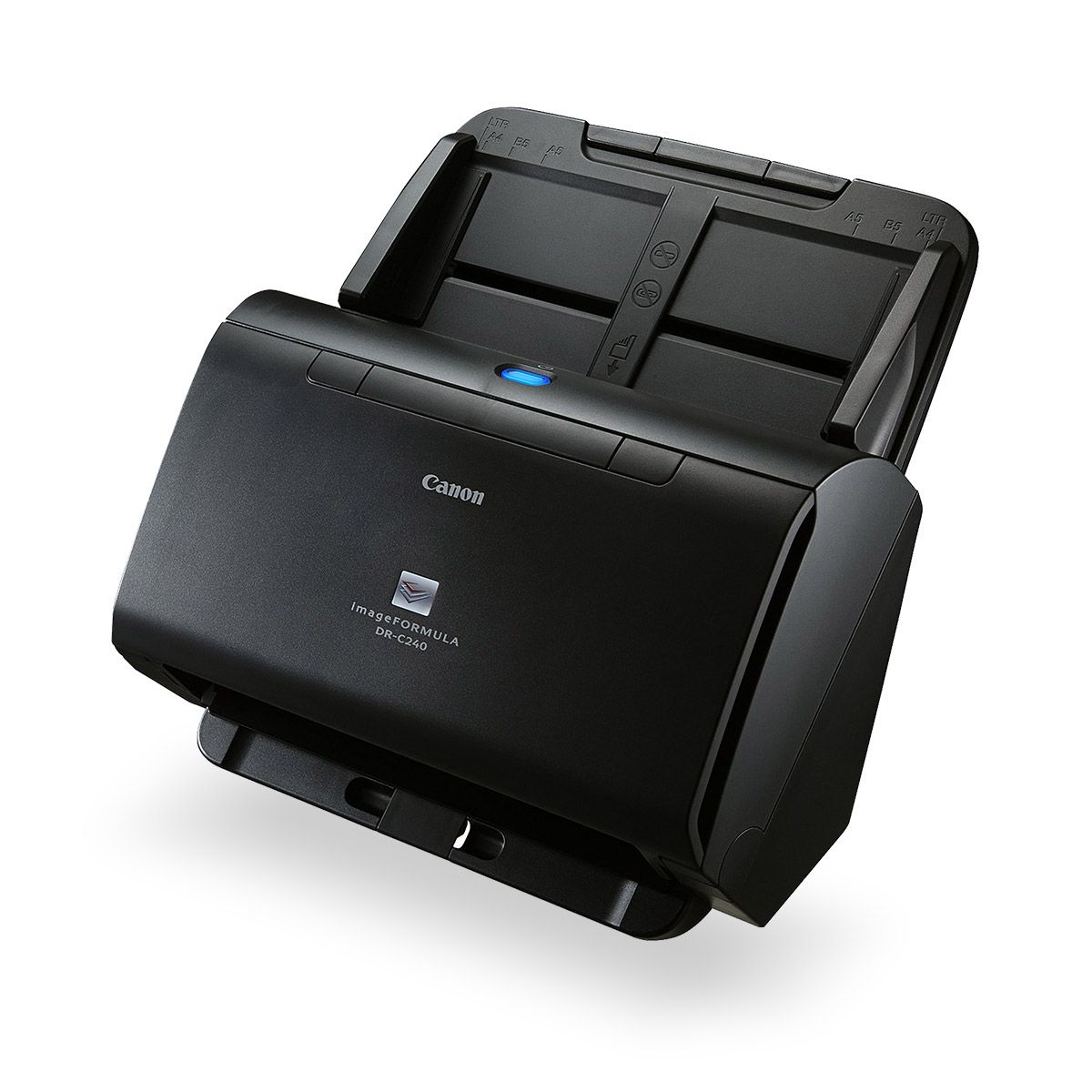
1. Canon Document Scanners DR-C240
The Canon DR-C240 scanner is designed for businesses that require high-volume scanning of various document sizes and materials. Combining efficiency with ease of use, this cost-effective scanner delivers speeds of 45 pages per minute (ppm) or 90 images per minute (ipm), handling up to 4,000 scans daily with minimal effort.
2. Canon Document Scanners DR-C225ii
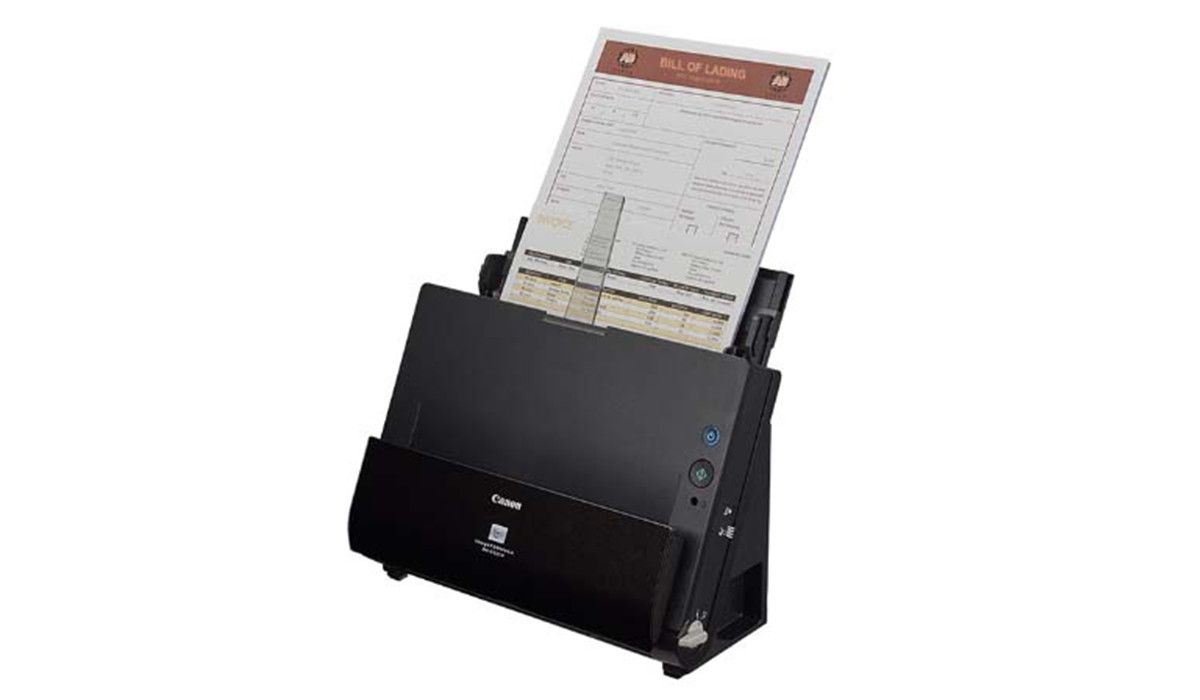
The Canon document scanners DR-C225ii offers a simple and efficient way to digitize documents directly from your desktop. With intuitive touchscreen controls, a compact design, and intelligent document adjustment features, this cost-effective scanner streamlines workflow and minimizes administrative tasks.
3. Canon Scanners DR-M1060
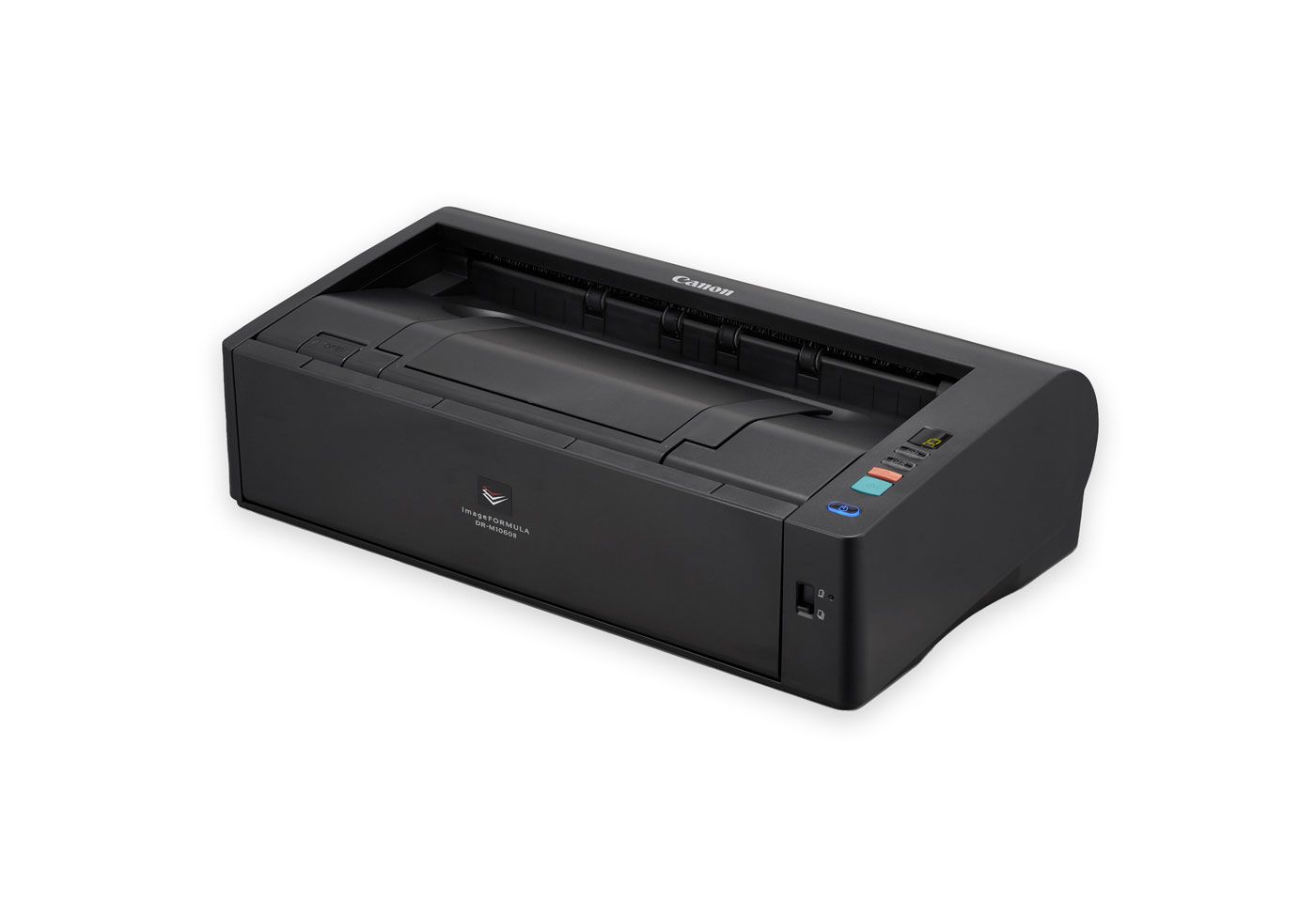
The Canon scanner DR-M1060 is a compact A3-capable scanner designed with a U-turn paper path configuration, minimizing its footprint and reducing space requirements. It delivers fast A4 scanning speeds of up to 60 pages per minute while offering versatile A3 scanning capabilities. Built for reliability, it efficiently handles a wide range of scanning applications.
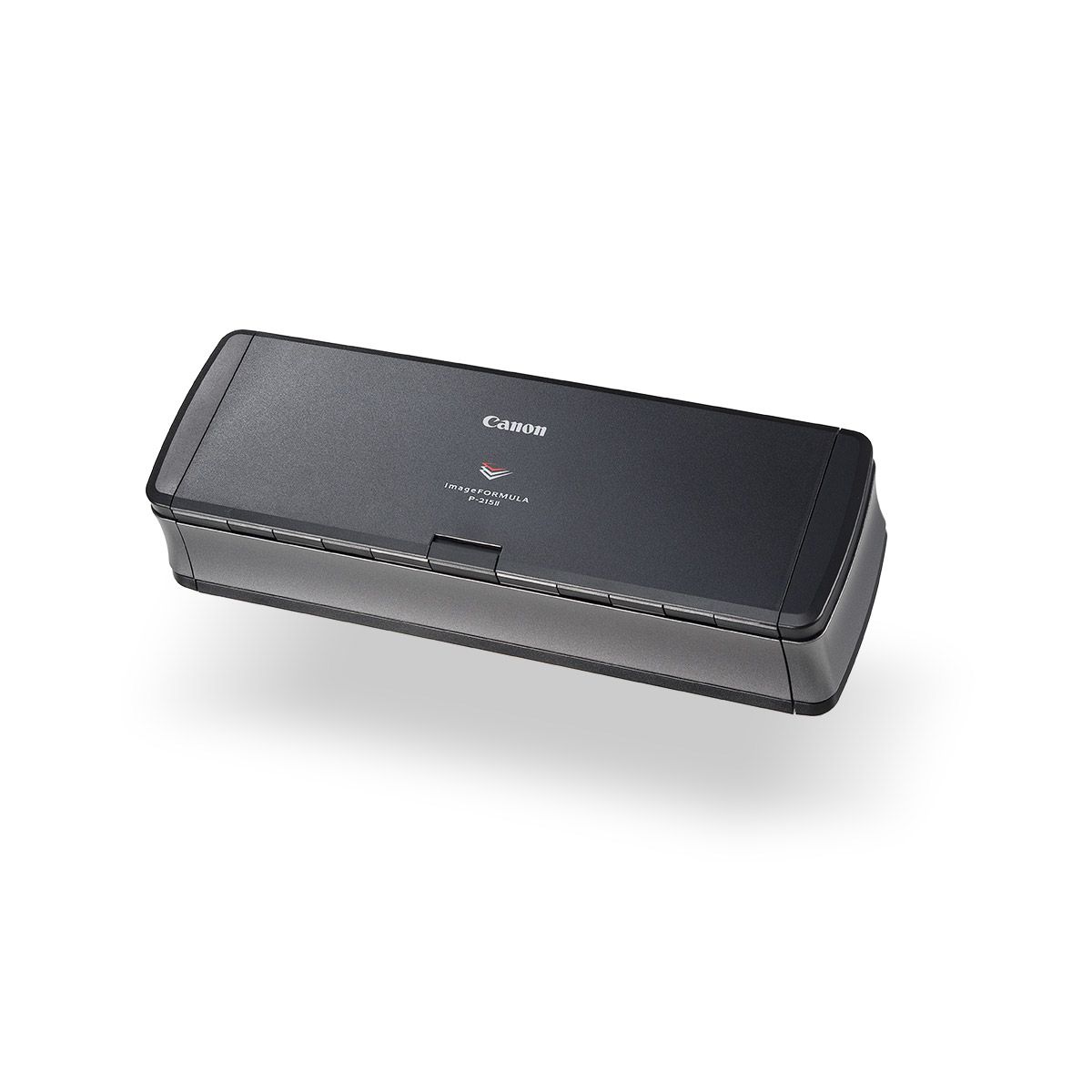
4. Canon Document Scanners P-215ii
The Canon P-215II document scanners offer a quick and reliable solution for streamlining business processes, even on the go. This cost-effective scanner efficiently digitizes everything from business cards to multi-page documents of varying colors, sizes, and paper weights at a speed of 15 pages per minute.
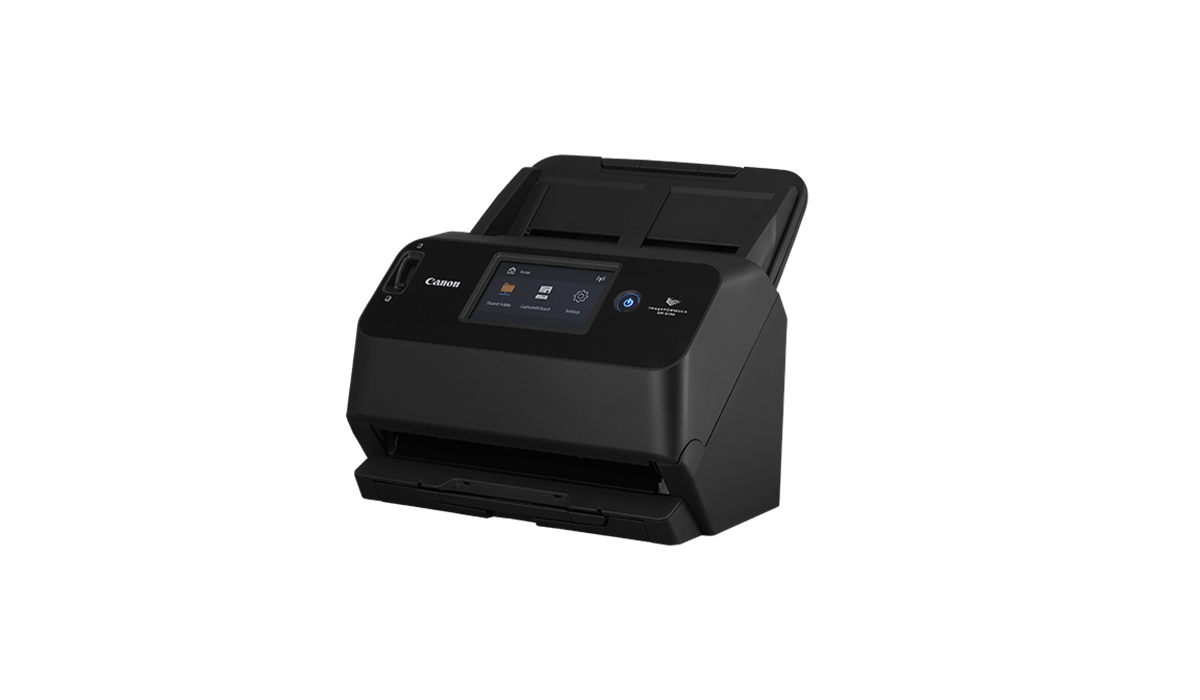
5. Canon Document Scanners DR-S150
The award-winning Canon document scanners DR-S150 combines a compact design with user-friendly operation and versatile connectivity for seamless, high-quality scanning. Powered by the advanced DR Processor image processing engine, it delivers fast, reliable performance at speeds of up to 90 images per minute. With built-in Optical Character Recognition (OCR) technology, it converts scanned images into searchable data, enhancing accuracy and improving text clarity.
Get the Best Canon Document Scanner From DDS
Offering as much experience as we do expertise, DDS Group aims to deliver more than products - we also deliver solutions. Our extensive product range ensures that you’ll find the right equipment to meet your needs, whether it’s for everyday operations or specialised applications. We also provide comprehensive support, ensuring seamless integration and ongoing assistance to maximise efficiency. And with our competitive pricing, you get top-quality products and services without exceeding your budget.
Final Thoughts
At DDS Group, we are passionate about delivering results that empower your business to thrive; and we’re happy to say that canon document scanners are typically a big part of those results. With advanced printhead technology and innovative ink systems, Canon ensures sharp, vibrant prints and precise scans. Their range caters to diverse needs, from compact models for home use to large-format printers for businesses. You can browse our selection of canon document scanners here, or head over to the DDS homepage to check out our many other quality products and services. For direct assistance, you can contact DDS here.


